
Town Truck & Tracked (Product External)
$25.00
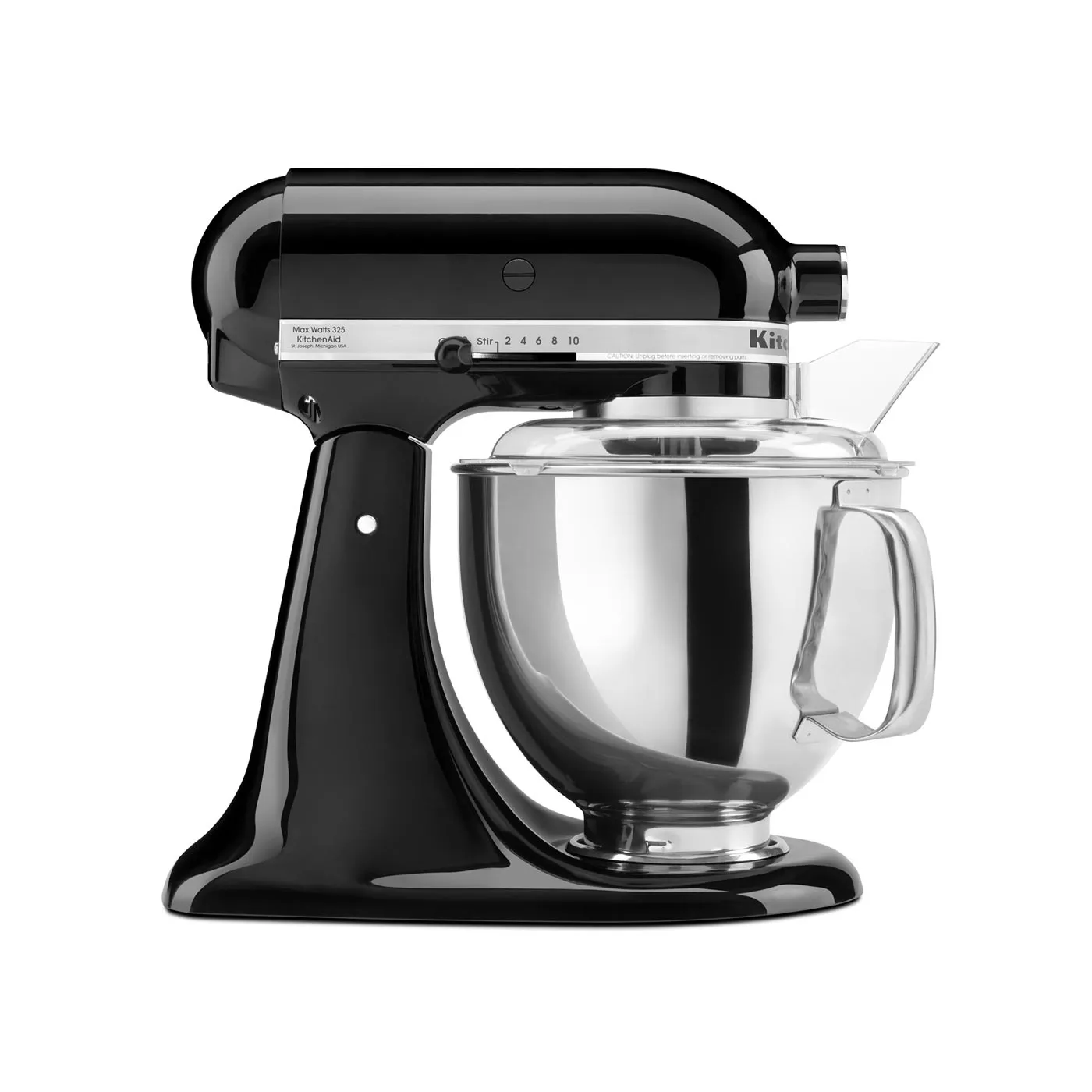
Quart Tilt-Head (Product Grouped)
$25.00
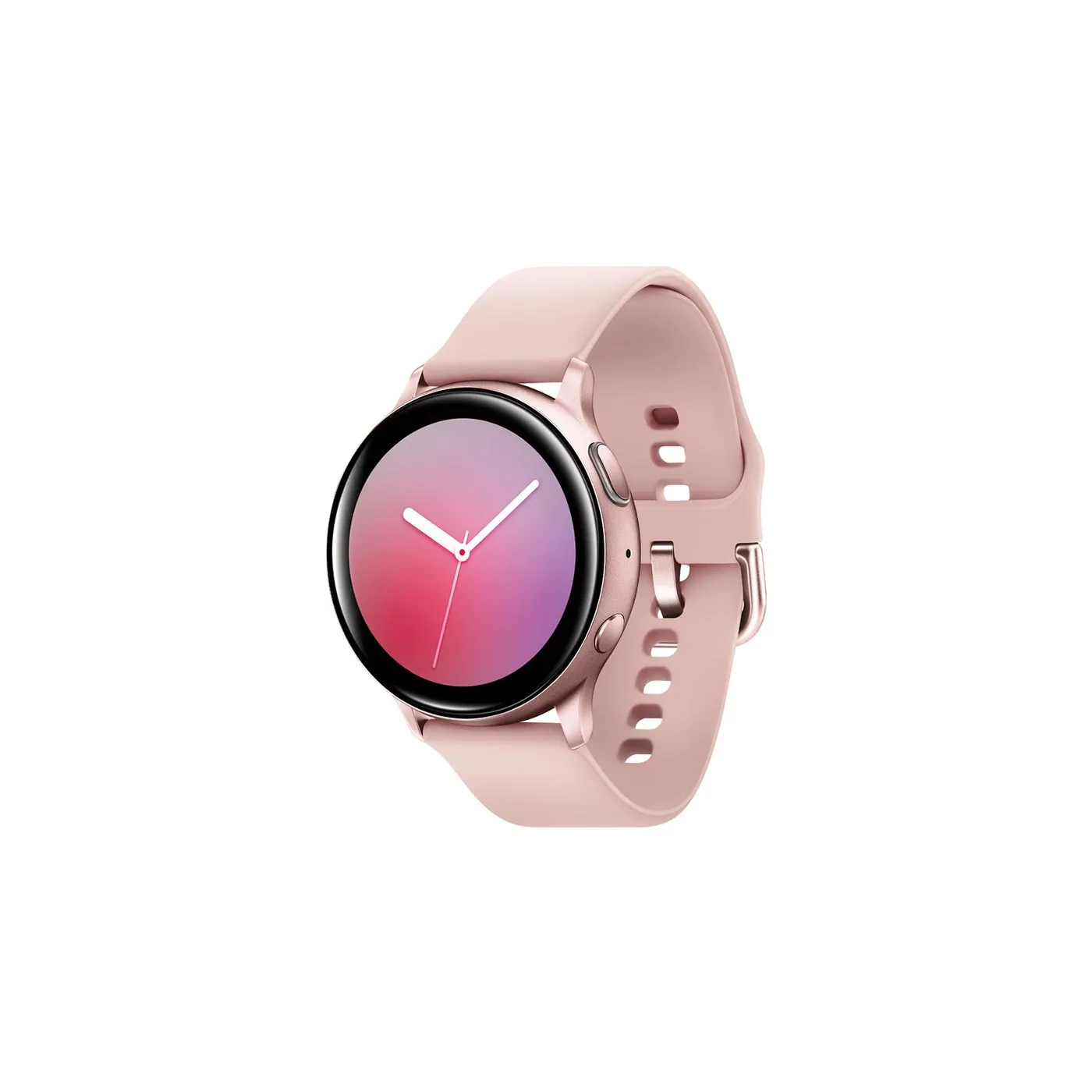
Galaxy Watch Active (Product Variable)
Price range: $10.00 through $30.00
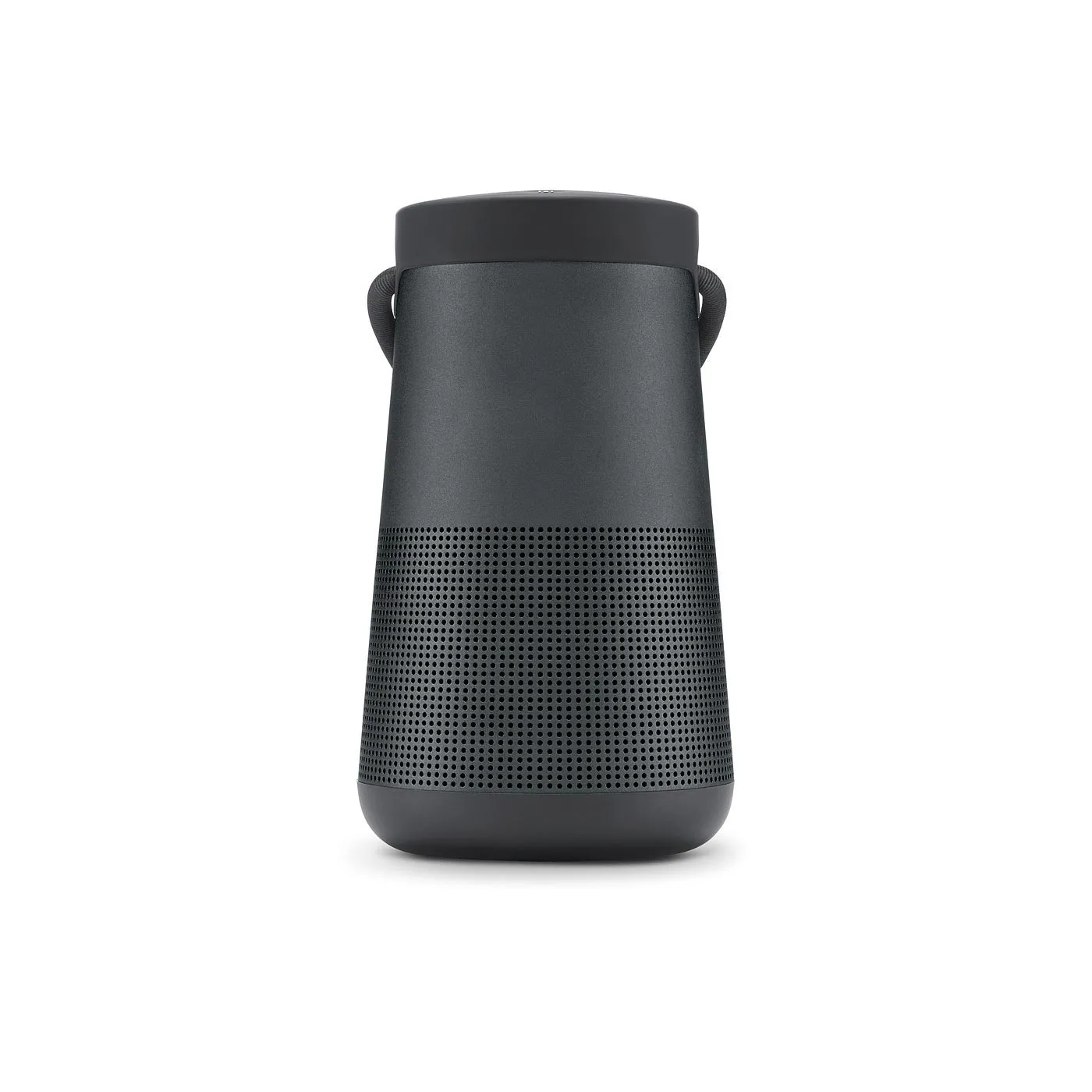
SoundLink® Revolve+ (Product Simple)
Original price was: $25.00.$15.00Current price is: $15.00.
Introduction:
Quick View for Oxygen for WooCommerce is designed to seamlessly integrate with Oxygen Builder's native repeater element, allowing for easy customization and enhanced user experience.
Installation:
1- PHP Snippet:
Add the following PHP snippet to your preferred plugin like Code Snippets: From lines 2 to 26
2- JSON Import to Oxygen Builder: From line 30
Import the following JSON code into Oxygen Builder to add the Quick View element:
Refer to this guide for instructions on importing JSON into Oxygen Builder if needed.
Usage:
Place the Quick View button within your WooCommerce product custom post repeater in Oxygen Builder. Customize the modal and button as desired
Customization:
Buttons: You can customize the buttons as desired. It’s important that each button always has the class .oxy-quick-btn and the attribute data-quick-view with a value of the current post ID. Additionally, two buttons have been added: one with the class .x-qv-modal__prev and another with .x-qv-modal__next, which allow navigation between modals without closing them. This adjustment requires no additional setup.
Close modes: You can locate the element with the class .x-qv-modal__content, which has two attributes: data-close-esc, which enables closing with the ESC key, and data-close-back, which allows closing by clicking outside the modal.
Direction: Modify the position of the modal by adjusting the flex direction in the div with the x-qv-modal class. To move it left, right, down or up
Size: Customize the size of the modal content by adjusting the width and height of the x-qv-modal__content div according to your preferences.
Entry and Exit Animation: Customize modal animations using Oxygen Builder's built-in effects. Locate the .x-qv-modal div and configure animations under Advanced > Effects > Animate On Scroll. Adjust animation duration as needed.
Icon Loading: Identified with the class .x-qv-modal-loading, you can change the loading icon. Refer to the predefined CSS in the Code QuickView code block or create your own.
Conditions: the child element of the repeater has a special condition that only pertains to the current post in relation to the term of the referenced post. It is crucial not to override this condition.
Note: Elements with classes .x-qv-modal, .x-qv-modal__content, and .oxy-quick-btn with data-quick-view attribute and value must not be removed from their respective elements, or Quick View functionality will cease to operate.
This comprehensive customization guide allows you to tailor the Quick View for Oxygen for WooCommerce to suit your specific design and functional requirements, enhancing user interaction and site performance.
Advanced:
Script Reload: Utilize the oxy_load_quickview() function to reload JS scripts after Quick View loads, ensuring dynamic functionality.
function oxy_load_quickview() {
/// Your Code
}
Thanks for visiting my page
CLOSE
If any of my work works for you, you can help me continue generating content by making a donation from PayPal: Donate
If you want a special project or modify some of my projects you can send me the details of your project and budget by Messenger (There is no low budget)
Sale!

SoundLink® Revolve+ (Product Simple)
The iPad Pro is a magical piece of glass. It has pro cameras that can transform reality. You can use it with touch, pencil, keyboard and now trackpad.