Whislist Custom Repeater
Projects info
EXAMPLE:
This element requires login. Create a temporary account, to be able to test this item. Log in

Town Truck & Tracked (Product External)
$25.00
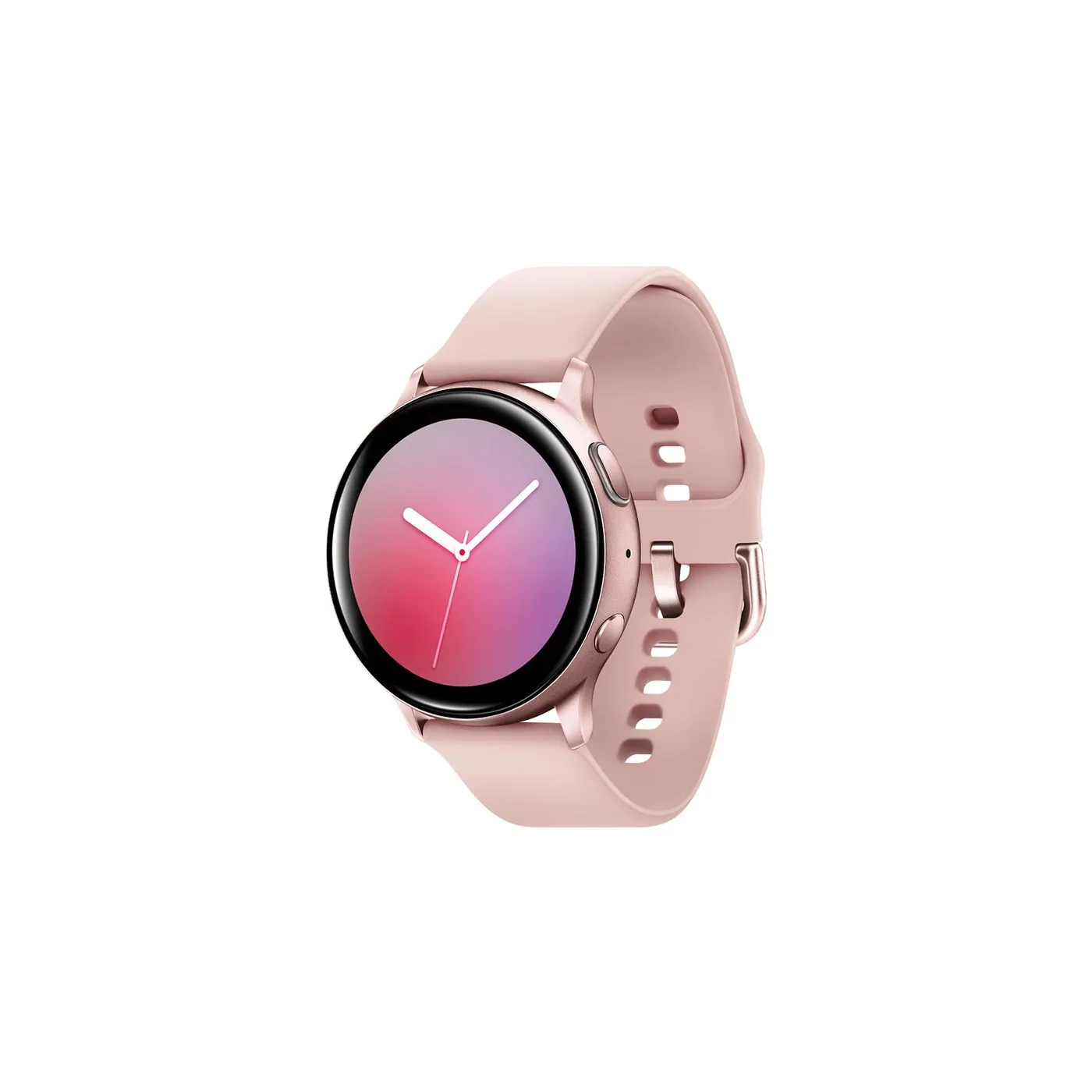
Galaxy Watch Active (Product Variable)
Price range: $10.00 through $30.00
Wishlist counter icon
Wishlist
Wishlist Page Repeater
Introduction:
The Wishlist for Oxygen for WooCommerce is designed to seamlessly integrate with Oxygen Builder, allowing users to add products to their wishlist with full customization options available through Oxygen Builder.
Installation:
1- PHP Snippet:
Add the following PHP snippet to your preferred plugin like Code Snippets. This snippet is from lines 6 to 101:
2- Optional: Reset Meta User
To reset and delete all user tables, add the following lines from 104 to 113, execute them once, and then remove the code to avoid constant execution:
3- JSON Import to Oxygen Builder: From line 3
Import the following JSON code into Oxygen Builder to add the WhisList element:
Code link:
https://gist.github.com/hssktm/466a64b34f0fab72a3d4baa99833a9d5#file-wishlist-oygen-builder-L3Refer to this guide for instructions on importing JSON into Oxygen Builder if needed.
Usage:
1- Wishlist Button: Place the Wishlist Wrap element within your WooCommerce product repeater in Oxygen Builder.
2- Wishlist Icon Counter: Place the Icon Wishlist element in the header of your template to display the wishlist counter if desired.
3- Compare Section: Place the Compare Section element on the page where you want to display the user's wishlist.
Note: This element only works for logged-in users.
Customization:
Wishlist Icon Counter:
- Modify the appearance of the icon counter by changing the icon or styling elements.
- The element is wrapped in a div with the class
.Icon-Wishlistand an attributedata-cartwith a unique value. This attribute is crucial for detecting which elements need updating, so do not remove it. - To add another counter, create a new div, add the
data-cartattribute with a unique value, and call the counter function by selecting text > Insert Data > Advanced > PHP function Return value, and enteroxy_count_wishlistas the Function Name.
Add/Remove Buttons:
- Buttons for adding and removing items from the wishlist are within a div with two attributes:
data-product-id(current post ID) anddata-cart(current post ID). These attributes are essential for updating the elements. - Each button has conditions to display based on whether the current product is in the wishlist.
Compare Section:
- This element also has a
data-cartattribute with a unique value. - To create another dynamic container, create a new div with another unique value in
data-cart. - Within this, there's a repeater calling the product post type and identifying posts to show using the
call_ids_wishlistargument. To set this up: Data > Advanced > Function Return Value, entercall_ids_wishlistas the Function Name, and a comma (,) as the Function Arguments to extract the IDs of selected posts for the current user.
Advanced:
Dynamic Data:
- oxy_count_wishlist(): Extracts the count of posts added to the current user's wishlist.
- call_ids_wishlist(): Extracts the IDs of posts added to the current user's wishlist.
- if_wishlist_true(): Extract the value true or false to know if the current post is in the list
Script Reload:
Use the oxy_load_wishlist() function to reload JS scripts after the wishlist loads, ensuring dynamic functionality.
function oxy_load_wishlist() {
/// Your Code
}
Thanks for visiting my page
CLOSE
If any of my work works for you, you can help me continue generating content by making a donation from PayPal: Donate
If you want a special project or modify some of my projects you can send me the details of your project and budget by Messenger (There is no low budget)
You can insert a fake email and any password for this account is temporary and will be automatically deleted after 24 hours.
Login
Register
Thanks for visiting my page
CLOSE
If any of my work works for you, you can help me continue generating content by making a donation from PayPal: Donate
If you want a special project or modify some of my projects you can send me the details of your project and budget by Messenger (There is no low budget)